

Website translation in minutes, without writing any code
Forget about manually duplicating pages and copy-pasting translated content for each language domain.
Create a multilingual website by integrating Crowdin and your CMS
Connect your content management system or code repository to automate the localization workflow. No manual file transfers needed.
Website translation can be easy
Continuous sync
Never copy-paste again. New website content is sent to Crowdin instantly, and final translations are ready to publish upon arrival.
Total AI freedom
Connect 40+ MT engines or bring your own API key for OpenAI, Gemini, or Claude. Switch providers anytime to find the best quality-to-cost ratio.
Real-time preview
A real-time preview of the content you localize allows translators to have more context and deliver better quality translations.
Automated and Custom QA Checks
Automated QA checks catch broken HTML tags, inconsistent terminology, and spacing issues.
Instant publishing
Go live in one click. No developers required.
No limits for scaling
Support for 300+ languages and custom locales allows you to enter any market.
Multilingual website SEO made simple
Optimize your localized pages for search engines in every target market.
Translate your metadata
The importance of localized metadata is hard to underestimate. With Crowdin, you can translate meta titles and descriptions using glossaries with keywords.
Use dedicated URLs
Google recommends using 'dedicated URLs' that include a language indicator. On Crowdin, you can choose to set a subdomain or subdirectory for localized pages.
Translate ALT tags
You don't want to make it harder for Google to understand your pages. Make sure to translate your page fully when doing a translation.
Automate hreflang codes
There is no risk that you will insert hreflang codes incorrectly because the app automatically takes care of everything for you.
Website not ready for localization? No problem
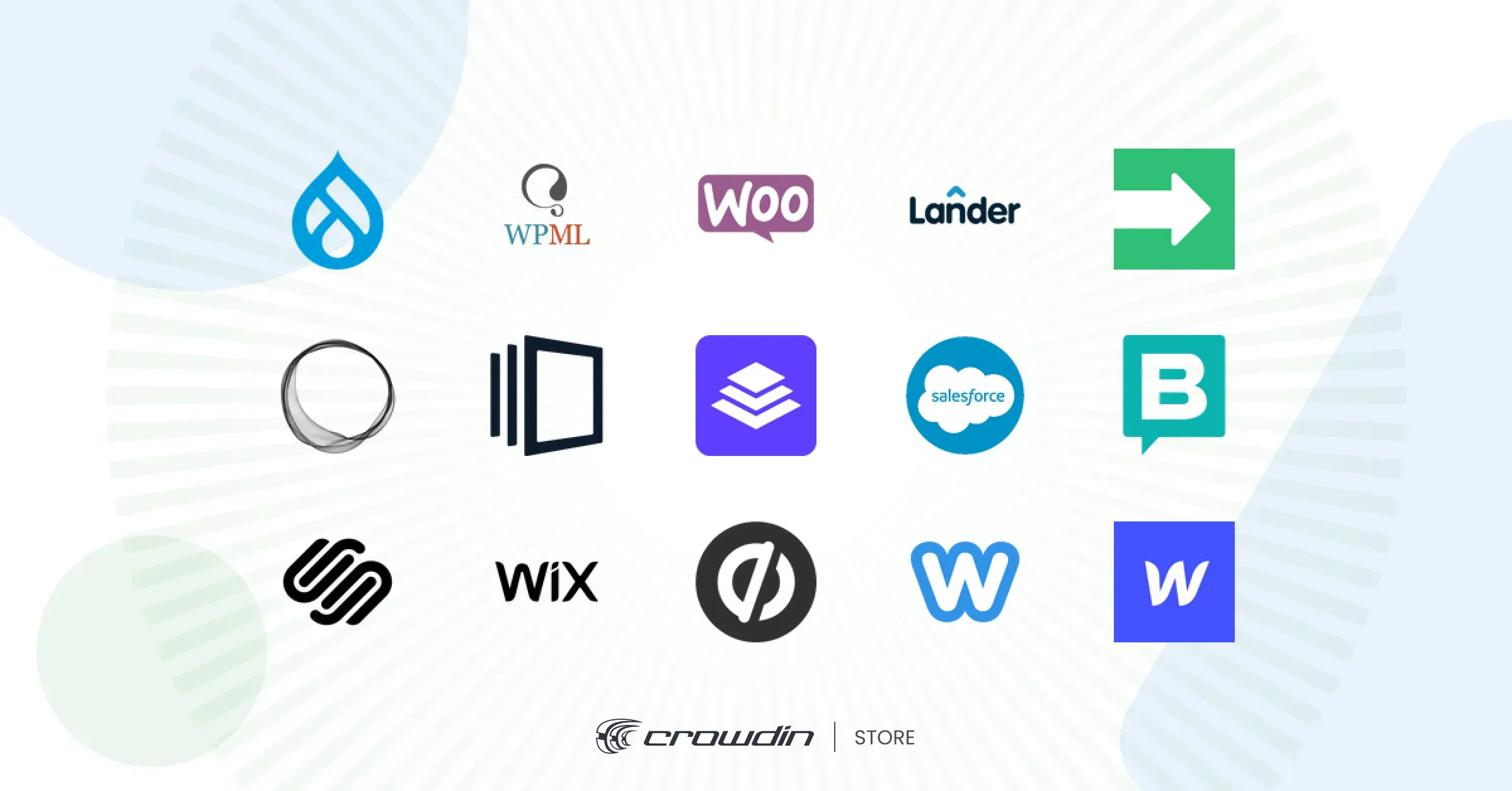
Website Translator is a proxy-based solution that lets you translate entire websites without any code changes. Compatible with Webflow, Squarespace, Framer, Tilda, WooCommerce, Ghost.org,
Connect Crowdin with your CMS
Create a Crowdin account and localization project to install the app from Crowdin Store. Enter needed credentials to start the translation.
Scan a website
Install the app and scan all the text on your website. The app will automatically upload it to your Crowdin project.
Start website translation
In Crowdin Editor, translators can use TM, MT, Glossary, view string context in screenshots, and collaborate with team members.
Add a language switcher
To add a language drop-down, add a simple code snippet to the custom code section of your website.
Publish translations
Over-the-air delivery allows you to share translations directly from your Crowdin project to your website with one click.
Want to learn more about how to translate a website?

Ready to make your website multilingual?
Go ahead to create your Crowdin account and start translating your website in minutes.